
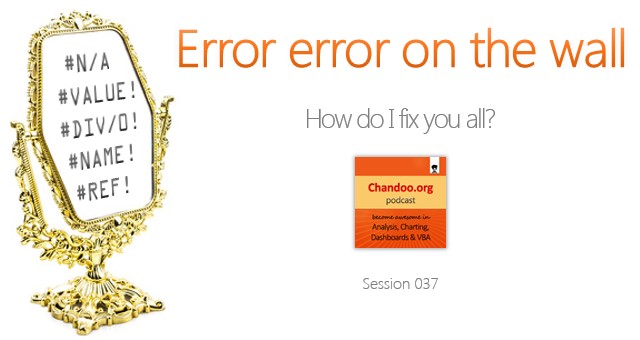
In the 37th session of Chandoo.org podcast, Let’s debug ’em #VALUEs & #N/As.
What is in this session?
In this podcast,
- Introduction to Excel formula errors
- The easy kind: syntax errors
- The triky ones: # ERRORs
- Fixing errors – using IFERROR & ISERROR
- Error checking & debug options
- Using Errors deliberately – charts & data validation
- A challenge for you – produce #NULL error
- Conclusions
Listen to this session
Click here to download the MP3 file.
Links & Resources mentioned in this podcast
Understanding & Fixing Excel Errors:
- Various Excel formula errors – what do they mean and how to fix them?
- What to do when your Excel formula is not working
- Using F9 key to debug formulas
Error handing in Excel
- IFERROR formula – what is it, how to use it?
- Excel formula auditing features – how to use them?
- Hiding errors in print outs
Using Errors deliberately
Related Podcasts:
- CP026: Excel operators – an introductions & overview
- CP008: How to maintain workbooks created by others
Transcript of this session:
Full transcript of this podcast will be available soon. Stay tuned.
How do you tackle errors?
My favorite techniques for error handling are – IFERROR & F9 key.
What about you? What kind of errors do you face frequently. How do you handle them? What do you do to ensure fewer errors in your reports and dashboards? Please share your tips in the comments area.
Also, tell me which formulas you will write to produce #NULL error in Excel.


