
Here is a quick tip to reduce the time you spend on chart formatting – use chart styles & color themes.
Excel offers various pre-defined color schemes and chart styles. Using them is very simple.
- Select your chart
- Go to Chart Design ribbon
- Click on the style or color scheme you want.
- Your chart changes instantly.
Check out below screencast to learn more.
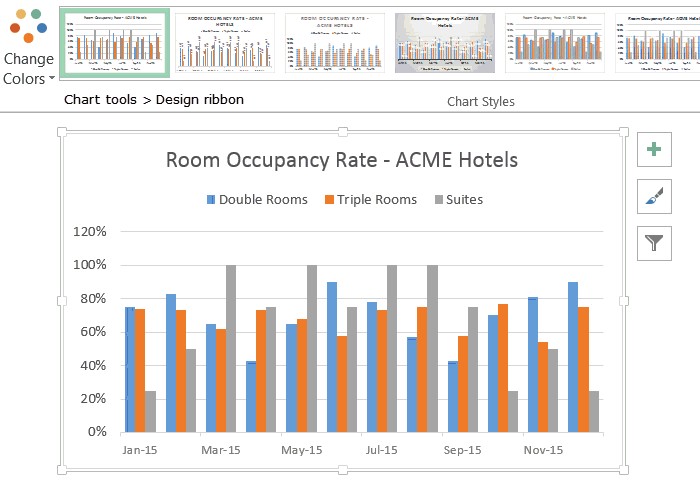
Using predefined styles is a great way to polish your chart. Keep in mind that not all predefined styles look gorgeous. So choose wisely.
Do you use chart styles?
I use chart styles or templates to speed up chart formatting.
What about you? Do you use these features? Share your experience in the comments section.
More chart formatting tips:
- Use arrow keys to select small / unreachable items on your charts
- Create a line chart with bands
- Set up meaningful titles on charts with this simple trick
- Work with charts faster using selection pane & select object tools
- More chart formatting tips & Quick excel tips


